

Analytics Tracker

Présentation
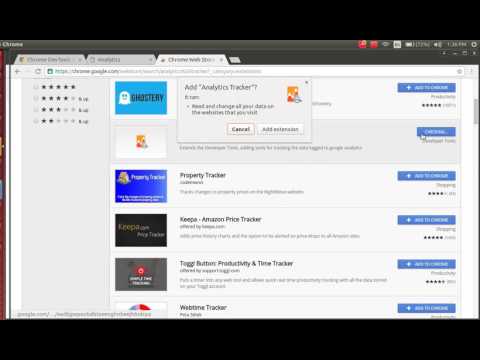
Extends the Developer Tools, adding tools for tracking the data logged to google analytics
This extension allows you to track the data that your webpage is logging to the analytics server based on your activity. Analytics Tracker is a devtool and will be available in the developer tools after installation. It adds a new tab in the developer tools by the name 'Google Analytics'. You can view it by More tools -> Developer Tools from the Chrome Menu. Hit the Start recording button to start tracking the analytics data. You can now start browsing/using the website generally and it will show you all the data that the site is logging via analytics. You can stop/restart/clear this data at any point. This extension can also be used by developers to validate if they have covered all checkpoints for logging data to analytics and test out the logging as a user.
0 sur 5Aucun avis
Détails
- Version1.0.1
- Dernière mise à jour4 octobre 2016
- Proposé parKunjan Thakkar
- Taille180KiB
- LanguesEnglish
- Développeur
E-mail
kunjan.thakkar01@gmail.com - Non-professionnelCe développeur ne s'est pas identifié comme professionnel. Pour les consommateurs de l'Union européenne, veuillez noter qu'il est possible que les droits des consommateurs ne s'appliquent pas aux contrats entre vous et ce développeur.
Confidentialité

Assistance
Pour obtenir de l'aide concernant des questions, des suggestions ou des problèmes, veuillez ouvrir cette page dans votre navigateur pour ordinateur