

Overview
Capture complete music from browser playback and save MP3 or WAV audio.
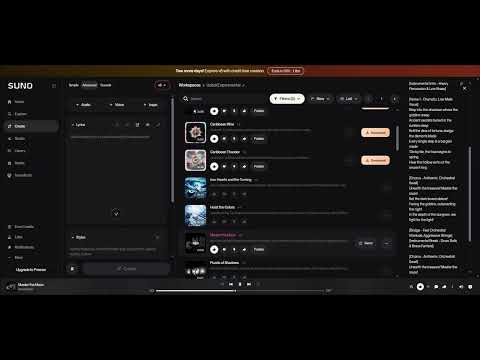
Music Grabber saves music you own or have permission to save from supported Suno playback and loaded Studio audio. Play a completed song from the beginning. Once the full audio has been captured and validated, save it as WAV or choose Prepare MP3. When MP3 preparation finishes, choose Download MP3 to save the file. Preparation does not start a download automatically. Compact controls show capture and conversion progress beside songs in Create, playlist, and liked-song views. In Suno Studio, export supported audio that is already loaded in the editor. Audio processing and MP3 encoding take place locally in your browser. Captures are not uploaded to the developer or another service. Refreshing the page clears temporary captures. Capture must begin before playback starts. Incomplete playback, seeking, or unsupported player formats may prevent export. Available controls reflect whether complete audio is ready. Use Music Grabber only for audio you own or are authorized to save.
0 out of 5No ratings
Details
- Version1.3.8
- UpdatedOctober 16, 2026
- Size89.56KiB
- LanguagesEnglish
- DeveloperWebsite
Email
ahmadjangroup@gmail.com - Non-traderThis developer has not identified itself as a trader. For consumers in the European Union, please note that consumer rights do not apply to contracts between you and this developer.
Privacy

Music Grabber has disclosed the following information regarding the collection and usage of your data. More detailed information can be found in the developer's privacy policy.
Music Grabber handles the following:
This developer declares that your data is
- Not being sold to third parties, outside of the approved use cases
- Not being used or transferred for purposes that are unrelated to the item's core functionality
- Not being used or transferred to determine creditworthiness or for lending purposes
Support
For help with questions, suggestions, or problems, please open this page on your desktop browser