

KST Learning VU Assistant
5 ratings
)
Overview
View VU LMS courses, grades and degree progress; forecast results, manage accounts locally, and use study tools.
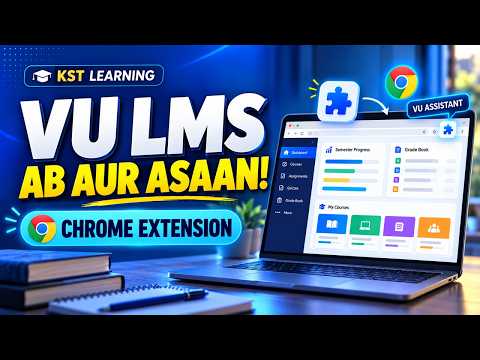
KST Learning VU Assistant adds study and account-management tools to the Virtual University of Pakistan LMS. It works on supported VU LMS pages and uses information already shown by VU LMS to present course progress more clearly. • See course assessment weights and attendance indicators on the Home page, with Results and a what-if Smart Grade Forecaster for supported courses. • View the Student Grade Book in a modern, semester-wise layout, see calculated semester GPA summaries, restore the original VU layout for the current visit, and export the displayed record as a PDF. • Open a personalized Road Map with credit-hour progress, study-scheme-based semester guidance, and degree-related skills and career suggestions. • Use Quick Links for student information and relevant VU/KST services. • Manage multiple VU LMS accounts in an encrypted local vault protected by a master password. Sign-in is initiated by the student through the official VU form. • Use optional lesson-progress controls, copy visible quiz/GDB questions, and create a local PDF of supported quiz questions and selected answers. • View the official VU Academic Calendar within the LMS interface. The extension runs on `vulms.vu.edu.pk`. Account records and a limited course-assessment cache are stored locally in the Chrome profile; account records are encrypted. A current-quiz PDF archive is temporarily stored locally. VU profile, grade and result data are displayed in the current page and are not sent to KST Learning. See the Privacy Policy for full details. Some Quick Links and the Home banner link to KST Learning services, including paid services. Opening an external link takes you to that website; the extension does not transfer your stored LMS credentials or student records to KST Learning. Independent/unofficial extension by KST Learning. Not affiliated with, endorsed by or sponsored by Virtual University of Pakistan. A VU LMS account is required for most features. Features depend on the structure and availability of VU LMS pages; calculated forecasts, GPA summaries and Road Map suggestions are guidance, not official VU results or policy.
5 out of 55 ratings
Details
- Version1.0.6
- UpdatedOctober 31, 2026
- Offered bykstlearning4
- Size242KiB
- LanguagesEnglish
- Developer
Email
kstlearning4@gmail.com - Non-traderThis developer has not identified itself as a trader. For consumers in the European Union, please note that consumer rights do not apply to contracts between you and this developer.
Privacy

KST Learning VU Assistant has disclosed the following information regarding the collection and usage of your data. More detailed information can be found in the developer's privacy policy.
KST Learning VU Assistant handles the following:
This developer declares that your data is
- Not being sold to third parties, outside of the approved use cases
- Not being used or transferred for purposes that are unrelated to the item's core functionality
- Not being used or transferred to determine creditworthiness or for lending purposes
Support
For help with questions, suggestions, or problems, please open this page on your desktop browser