


Overview
Download images and videos from the public Ads Library. Carousel/multi-media ads save as one ZIP. Not affiliated with Meta.
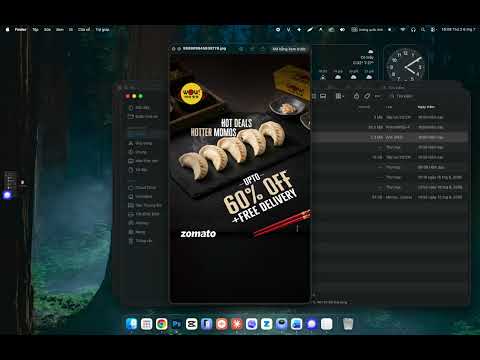
AdVault adds a one-click download button to ads in the public Ad Library, so you can save ad creatives without copying links or using any external tool. Once installed, a Download button appears automatically on every ad as you browse the Ad Library. Just click it and the media is saved straight to your device. Key features: One-click downloads for ad images and videos, saved directly to your device. Carousel and multi-media ads: AdVault automatically collects every image and video in the ad and downloads them together as a single ZIP file, named after the ad's ID. Shows how long each ad has been running — useful for competitor research and campaign analysis. Lightweight and fast, with no sign-up or login required. No ads, no tracking. How to use: Open the Ad Library and search by page or keyword. A Download button appears automatically on each ad. For multi-media ads, it shows "Download all (N)". Click to save the image or video, or to download the whole ad as a ZIP. Privacy: AdVault runs entirely on your device. It does not collect, store, or send any personal data anywhere. Downloads happen locally in your browser. Note: AdVault is an independent tool and is not affiliated with, sponsored by, or endorsed by Meta Platforms, Inc. It only works with media that is already publicly displayed in the Ad Library. Please respect copyright and the platform's terms of use when reusing downloaded content.
0 out of 5No ratings
Details
- Version1.1.0
- UpdatedJuly 7, 2026
- Size17.97KiB
- LanguagesEnglish
- DeveloperWebsite
Email
truongvtv6@gmail.com - Non-traderThis developer has not identified itself as a trader. For consumers in the European Union, please note that consumer rights do not apply to contracts between you and this developer.
Privacy

This developer declares that your data is
- Not being sold to third parties, outside of the approved use cases
- Not being used or transferred for purposes that are unrelated to the item's core functionality
- Not being used or transferred to determine creditworthiness or for lending purposes