


概要
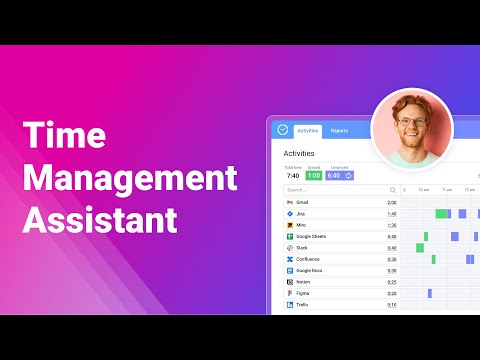
Track all your online activities automatically to see how much time you spend on different platforms and get accurate time track.
Find it hard to remember which tasks you worked on, when, and for how long? This browser extension automatically tracks all your online activities, so you can see how much time you spend using versatile online platforms and easily get 100% accurate time tracking data whenever you need it. It also lets you: - Limit activity tracking to only specific websites and online apps. - Divide your activities into different types and categories. - Analyze the collected data via visual charts and reports. How to get started? 1. Install Time Management Assistant. 2. Connect it to your actiTIME account or sign up using an email. 3. Indicate which online tools and types of activities you want to track + set exceptions via time tracking settings. 4. Configure your own mapping rules via sync settings to seamlessly export your time tracking data to actiTIME. 5. Start working on your tasks in the selected tools, and the Assistant will begin tracking time for your online activities automatically. 6. If you ever need to make a time entry manually, use the built-in one-click timer at the bottom left corner of the extension’s interface. 7. Open the Reports tab to analyze your time tracking statistics or view the real-time activity log in the Activities tab.
5 点満点で 4.817 件の評価
詳細
プライバシー

actiTIME: Time Management Assistant から、お客様のデータの収集と使用に関する以下の情報が開示されています。 詳しくは、デベロッパーの privacy policy をご確認ください。
actiTIME: Time Management Assistant は次を扱います。
このデベロッパーは、お客様のデータについて以下を宣言しています
- 承認されている以外の用途で第三者に販売しないこと
- アイテムの中心機能と関係のない目的で使用または転送しないこと
- 信用力を判断する目的または融資目的で使用または転送しないこと
サポート
質問や提案、問題がある場合は、デベロッパーのサポートサイトにアクセスしてください。