


概述
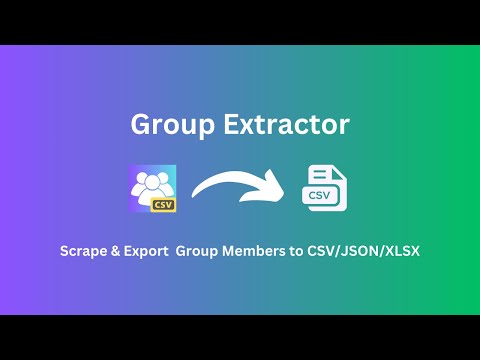
抓取Facebook群组成员,并将其导出为CSV/JSON/XLSX(Excel)文件。
Group Extractor is a tool that allows you to extract up to 3000 members from any Facebook™ group that you are a member of and save the data in a CSV file. This extracted data can then be used to generate high-quality leads. What information does It scrape? we can extract the group id, group member list as well as other sections: - User Id - User Name - Profile URL - Profile Picture - Biography - Is Verified How to export a list of members of a group? Scraping members from Group can be done easily with our tool, without any need for coding. Follow these steps: - Open Facebook.com, and open the Group you want to extract. - Copy the URL on the browser location. - Paste the URL into the extension's input box, click "EXPORT MEMBERS TO CSV", wait for the process to complete, and then click "Download Members" to download the data in a CSV file for use in Excel. How quickly will I receive the results? The data extraction process begins immediately after you make a request. The duration of the extraction will vary depending on the amount of information you need to retrieve. Facebook™ is a trademark of Facebook Inc., registered in the U.S. and other countries. This independent project was developed by ExtensionBox and has no relationship to Facebook™ or Facebook Inc.
3.8 星(5 星制)43 个评分
详情
隐私权
该开发者已声明,您的数据:
- 不会因未获批准的用途出售给第三方
- 不会为实现与产品核心功能无关的目的而使用或转移
- 不会为确定信用度或放贷目的而使用或转移
支持
若有任何疑问、建议或问题,请在桌面浏览器中打开此页面